




Every turn counts.
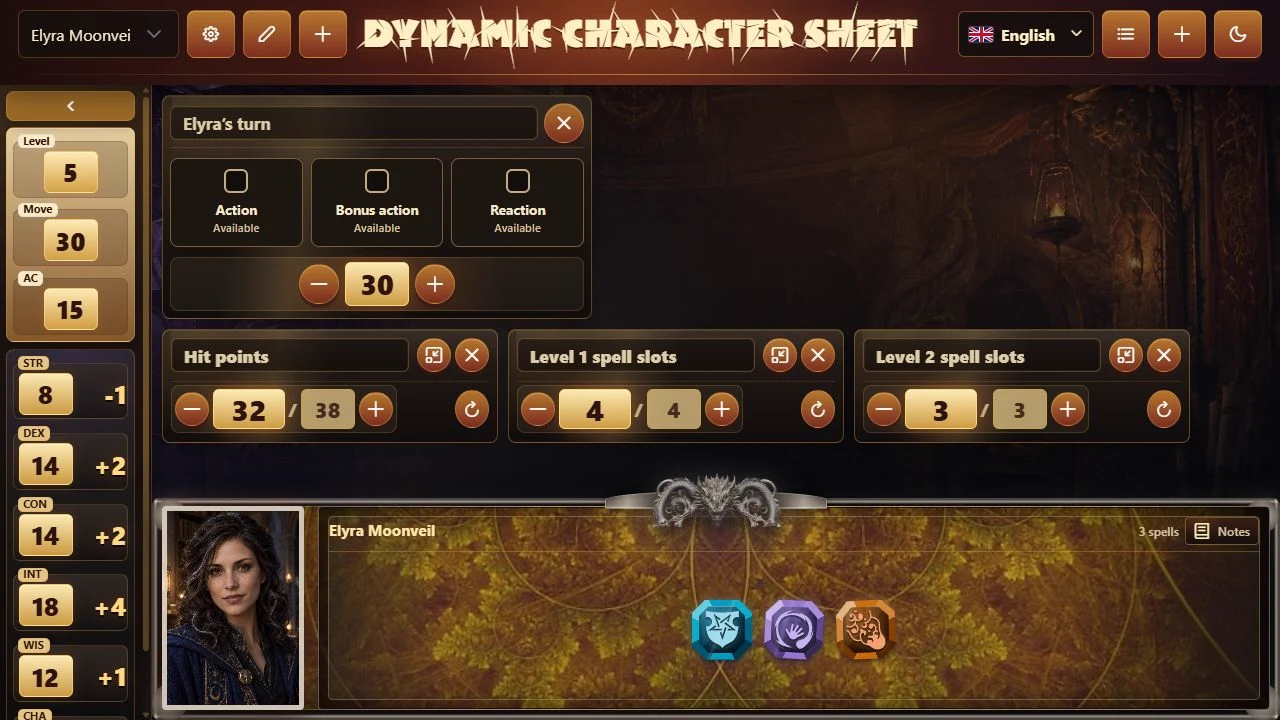
Track your action, bonus action and reaction. Adjust movement, hit points and custom counters as combat unfolds.

 DnD Dynamic Sheet
Replace the complicated pen-and-paper sheet with a simpler way to play. Everything you need to know and track about your character, in one place during the session.
Available now · Beta 1.6.5
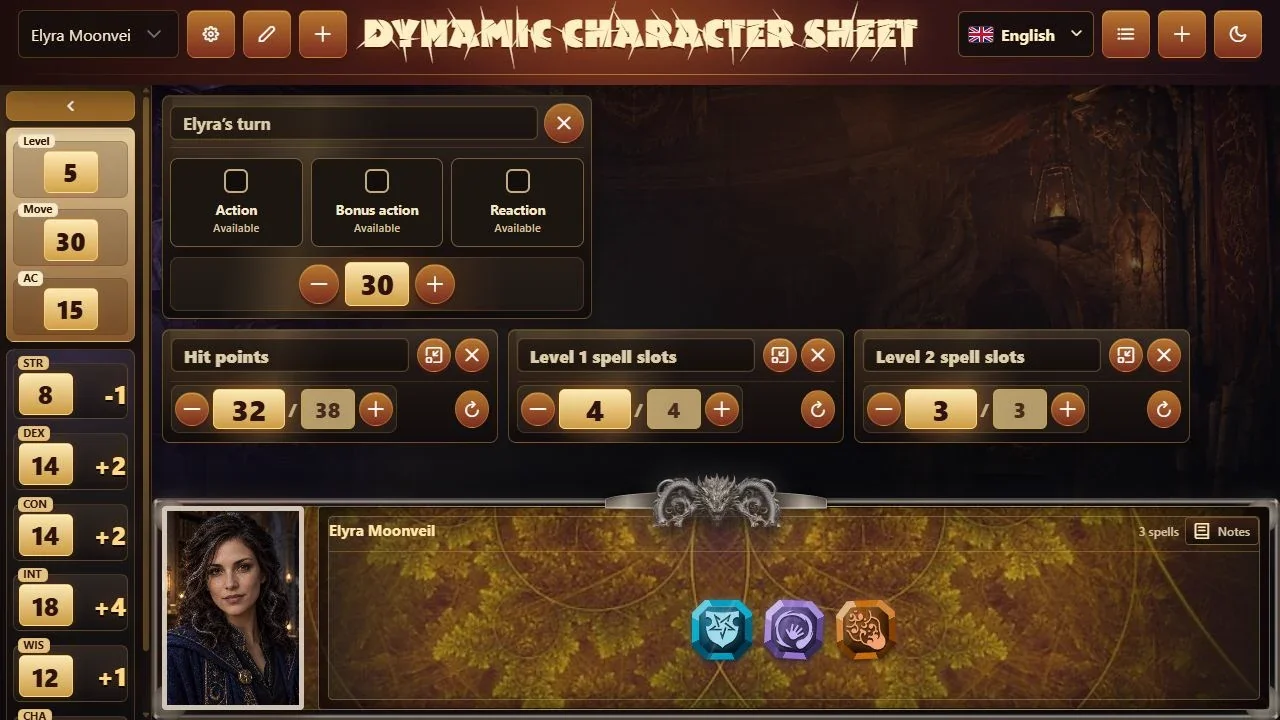
No erasing numbers, flipping pages or losing a note. Abilities, resources, spells and notes stay together so you can follow the session with ease.
Track your action, bonus action and reaction. Adjust movement, hit points and custom counters as combat unfolds.
Choose your spells and check range, components and duration. A 955-entry catalog, with filters and custom spells.
Set abilities, proficiency, expertise, adjustments and fixed values. Totals recalculate inside the sheet.
Notes to remember the details of your game and become your Dungeon Master’s favorite.
Add what your character needs in three simple steps. Choose a card and use it right inside your sheet.
Name your counters and adjust their values for your character. Minimize your counters and remove cards you no longer need.
When adding a counter, choose whether it recovers on a short rest, a long rest or both. Select the corresponding rest and the configured counters automatically return to their maximum.
You choose what recovers. The app updates the values for you.
A Windows desktop application with an installer, shortcut and uninstaller. Your characters are saved on your computer.
Available now · Beta 1.6.5. One-time purchase, lifetime license for one device. Final price and currency at Lemon Squeezy checkout.
Abilities, skills and proficiency, turn actions, movement, hit points, custom counters, notes, portraits and spell selection.
Example workflow: adjust your hit points after taking damage; in the turn tracker, mark the action you used and update your remaining movement. To track ability uses, press +, choose Counter and press Add. Name it, set its current and maximum values, and reduce the value when you spend a use. When adding the counter, you can choose recovery on a short rest, a long rest or both. Before buying, review this page’s recordings of turns, cards and rests to check whether this way of managing a character sheet suits you.
Initial license activation requires an internet connection. You can then use the sheet and local data offline; updates and online validation need internet access.
Entries have varying levels of detail. The catalog combines spells with descriptions and metadata-only entries. Some text remains in English. You can also create custom spells.
This app focuses on the player’s character sheet. It does not include shared maps, video calls or campaign management.
The Windows beta is available now. Buy a license through Lemon Squeezy and download the installer from the purchase confirmation. Activate the app with your key: one purchase, one device and a lifetime license. Updates are managed inside the app. Final price and currency are shown at checkout.